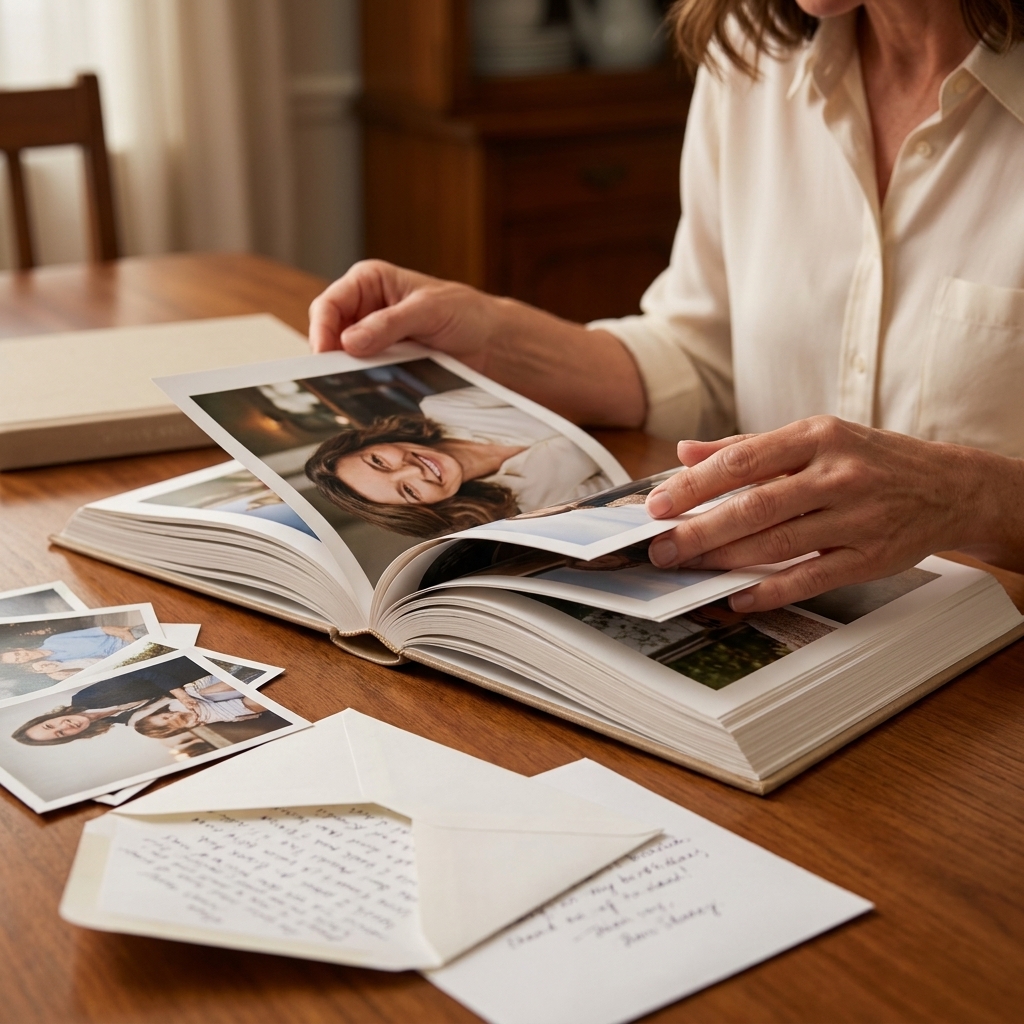
A virtual milestone birthday can either feel like a work meeting with party hats or it can feel like a living room full of people who genuinely love you. The difference is not fancy tech. It is intention, pacing, and a few small choices that make everyone feel seen.
Below is exactly how I plan virtual celebrations for families spread across time zones, including my favorite platforms, interactive ideas that do not make anyone cringe, and the simplest way to pull off a synchronized gift opening without chaos.
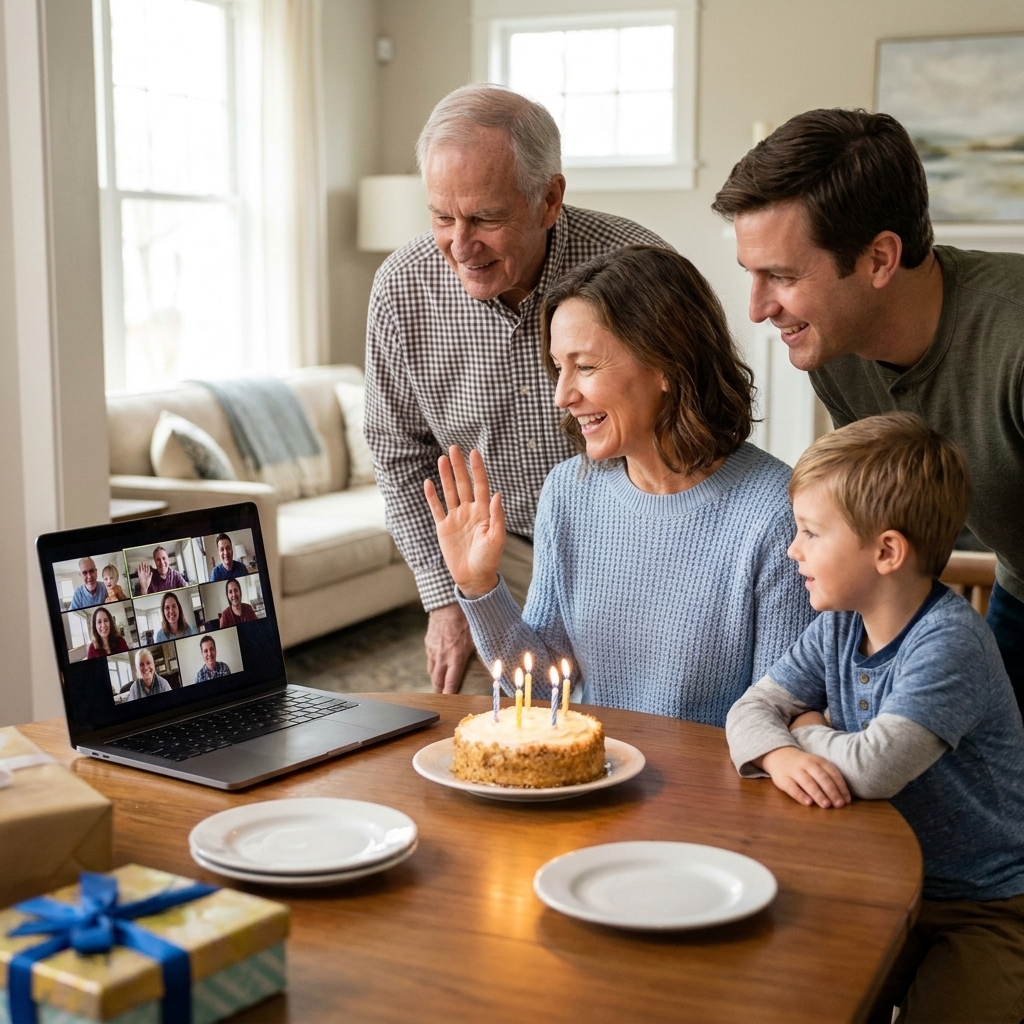
Start with what makes it personal
Before you pick a platform or a theme, answer two questions:
- What does the guest of honor want to feel? Celebrated, remembered, roasted, relaxed, surprised, deeply sentimental?
- What do your people do best together? Storytelling, games, toasts, singing, sharing photos, debating trivia?
When you build the party around those answers, the screen becomes a window, not a barrier.
My rule: connection is always more important than perfection. If the plan supports connection, you are already winning.
Pick the right platform
The best platform is the one your least tech-comfortable guest can use without panicking. Here is a practical breakdown.
One default I include either way: share a phone dial-in option (or a simple backup way to join) for anyone with low bandwidth, older devices, or a bad microphone day.
Zoom
- Best for: Larger groups, structured activities, screen sharing slideshows, and breakout rooms.
- Why it feels personal: Zoom supports spotlighting the guest of honor, small-group “table chats” in breakout rooms, and smooth photo montage sharing (availability can depend on plan and settings).
- Tips: Assign one co-host to admit guests, handle mute issues, and manage screen sharing so you can focus on hosting. If you can, enable the waiting room and require a passcode so the room feels private.
Google Meet
- Best for: Mixed devices and casual gatherings where people just want to talk.
- Why it feels personal: Lower friction for guests who live in Gmail and can often join in a browser without downloading anything (some devices may still prefer or prompt an app).
- Tips: Use a shared Google Photos album for pre-party memories and then screen share the highlights.
FaceTime (including Group FaceTime)
- Best for: Smaller groups who are all on Apple devices, with updated iOS, iPadOS, or macOS, and want a cozy, intimate vibe.
- Why it feels personal: It feels like calling family, not “joining an event.”
- Tips: Keep it short and sweet. This is ideal for a heartfelt toast, cake moment, and gift opening.
Microsoft Teams
- Best for: Work-friend celebrations or groups already living in Teams.
- Why it feels personal: It can provide a persistent chat where people drop memories and messages before the event, depending on how the meeting is set up and the organization’s settings.
- Tips: Rename the meeting to something warm, like “Dad’s 60th Living Room.” It changes the tone immediately.
My platform shortcut: If you want games or a run-of-show, choose Zoom. If you want a simple catch-up with cake, choose Meet or FaceTime.
Send an invite with tone
A virtual invite is not just logistics. It is your first chance to make this feel like a milestone.
- Name the moment: “A Toast to Marisol’s 50th” reads more special than “Birthday Zoom.”
- Give one clear action: “Bring a favorite photo or memory to share.”
- Offer a dress code that is easy: “Wear something sparkly” or “the color of the decade you met.”
- Include a gentle tech line: “If you want a quick tech check, hop on 15 minutes early.”
If you are mailing party kits or gifts, put a line in the invite: “Please keep your package unopened until the party.”
Privacy note: Send the link directly to guests and avoid posting it publicly. If your platform offers a waiting room or passcode, use it.
Build a simple run-of-show
Most virtual parties fall flat for one reason: they run too long with no shape. Plan for 45 to 75 minutes, even for big milestones. You can always keep the room open for the night owls afterward.
Rule of thumb: If you have more than 12 to 15 guests, keep the main program closer to 60 minutes and move extra stories into chat, a memory book, or a short montage.
A simple 60-minute timeline
- 0:00 to 0:10: Arrivals and hellos. Play a playlist softly. Encourage “gallery view.”
- 0:10 to 0:15: Welcome, quick agenda, and one warm prompt: “Where are you calling from and what is one word for the guest of honor?”
- 0:15 to 0:30: Main activity (game, trivia, photo share, or breakout room chats).
- 0:30 to 0:45: Toasts and stories, about 60 seconds each.
- 0:45 to 0:55: Cake moment and the big surprise or gift opening.
- 0:55 to 1:00: Closing gratitude and a group screenshot.
Hosting tip: Limit live toasts to about 6 to 10 people so the energy stays up. Invite everyone else to drop a one-sentence wish in the chat (and promise to save it for the guest of honor).
Also helpful: Send your toast lineup a private message before the party with a gentle time limit and a reminder to unmute and speak slowly.
Ideas that do not feel forced
Choose one anchor activity. Two is fine if one is very light. More than that starts to feel like a corporate retreat.
1) A guided memory share
Ask 3 to 6 people in advance to bring a photo or object and share a short story. A few prompts that work beautifully:
- “The moment I knew you were going to be okay.”
- “Something you taught me without realizing it.”
- “A tiny habit of yours I hope you never change.”
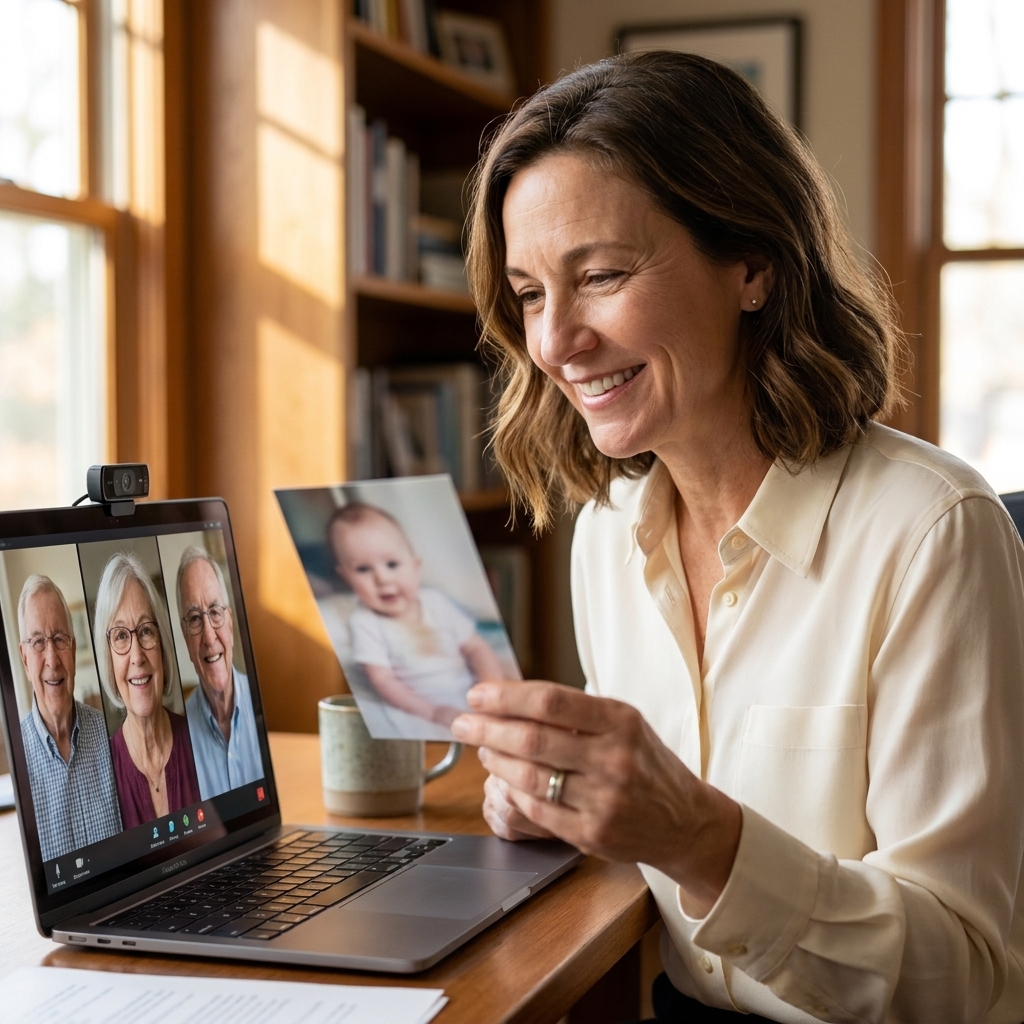
2) Milestone trivia, personalized
Skip generic trivia and write questions about the guest of honor. Keep it loving, not humiliating. Examples:
- “What was their first job?”
- “Which vacation do they still talk about?”
- “What is their signature dish?”
How to run it: Use a simple Google Form, Kahoot, or just read questions and let people answer in the chat. Chat answers keep cross-talk under control.
3) Breakout room table chats
If you have more than 10 guests, plan two quick rounds of breakout rooms. Think of it like rotating tables at a dinner party. (Breakout rooms may depend on platform, plan, and settings, so test once beforehand.)
- Round 1 prompt: “Tell a two-minute story about the guest of honor.”
- Round 2 prompt: “What is one wish for their next decade?”
4) A shared activity at home
- Cookie or cupcake decorate-along: Mail sprinkles, candles, and a simple piping bag kit, or ask everyone to bring their own.
- Signature cocktail or mocktail: Send a recipe card and a garnish suggestion.
- Playlist party: Everyone submits one song that reminds them of the guest of honor. Play snippets as people arrive.
Gift opening without chaos
Gift opening is where virtual parties either sparkle or spiral. The goal is to make the guest of honor feel adored, without forcing everyone else to watch 30 minutes of packaging.
Option A: The three-gifts rule
Ask guests to mail gifts ahead, but only open:
- One sentimental gift (a letter, photo book, video compilation)
- One funny or nostalgic gift (inside joke, childhood throwback)
- One next chapter gift (hobby starter kit, travel fund card, class voucher)
Everything else can be opened off-camera later with thank-you texts or a follow-up call.
Option B: Everyone opens the same tiny thing
This is my secret weapon for making it feel coordinated and festive.
- Mail everyone a mini party kit: confetti popper, candle, a small treat, and a note that says “Open at 7:45.”
- Or do a “same dessert” moment with a local bakery delivery in each city, or a grocery store equivalent.
Option C: The timed unboxing
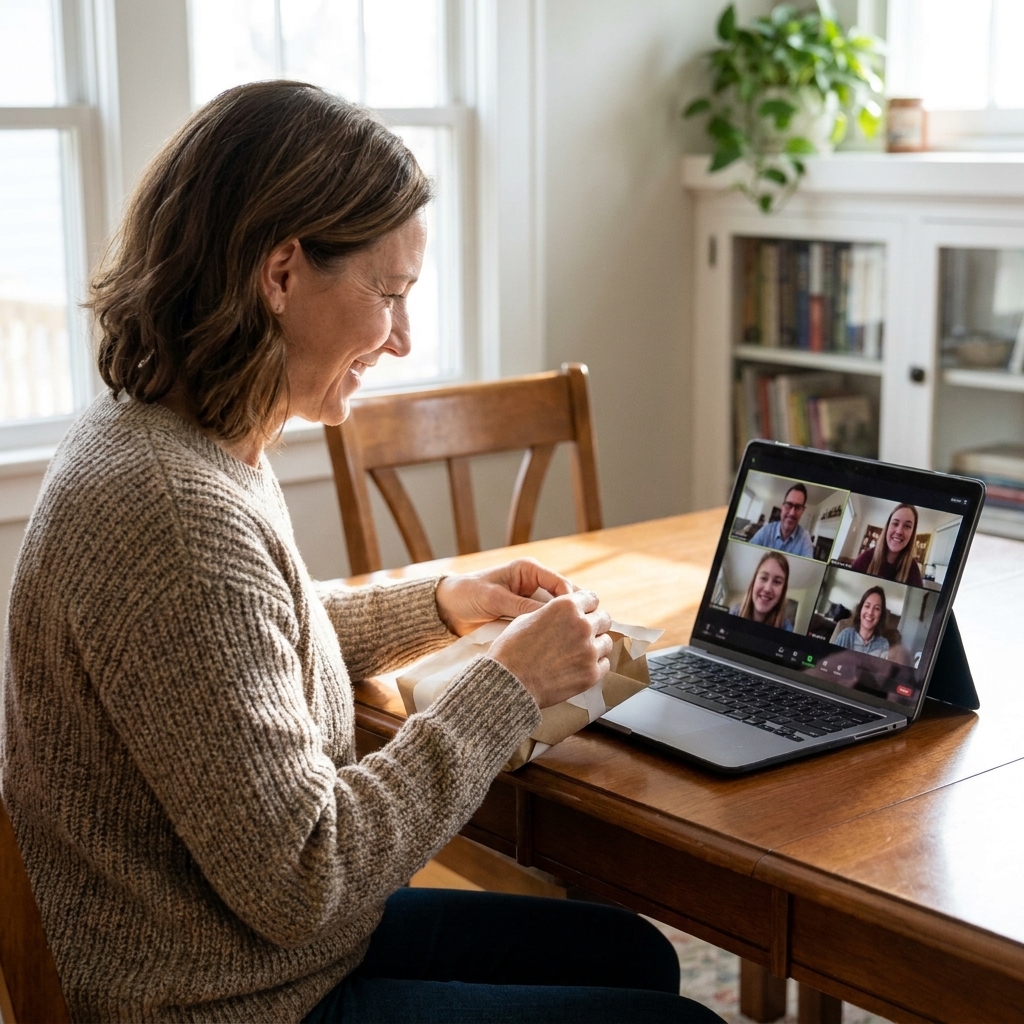
If there is one headline gift, build the moment:
- Host says: “Everyone grab your drink. Cameras on if you can.”
- Spotlight the guest of honor (if your platform supports it).
- Count down together and open.
- Pause for reactions and a quick story about why it was chosen.
Make it feel like a room
Virtual does not mean sterile. A few environment choices make a big difference.
For the host
- Lighting: Face a window or a lamp. Overhead lights are rarely kind.
- Sound: Headphones reduce echo and make everyone easier to understand.
- Camera height: Raise your laptop on books so you are not looking down at your guests.
- Background: One meaningful detail is better than a busy virtual background. Try framed photos, flowers, or a simple banner.
For the guest of honor
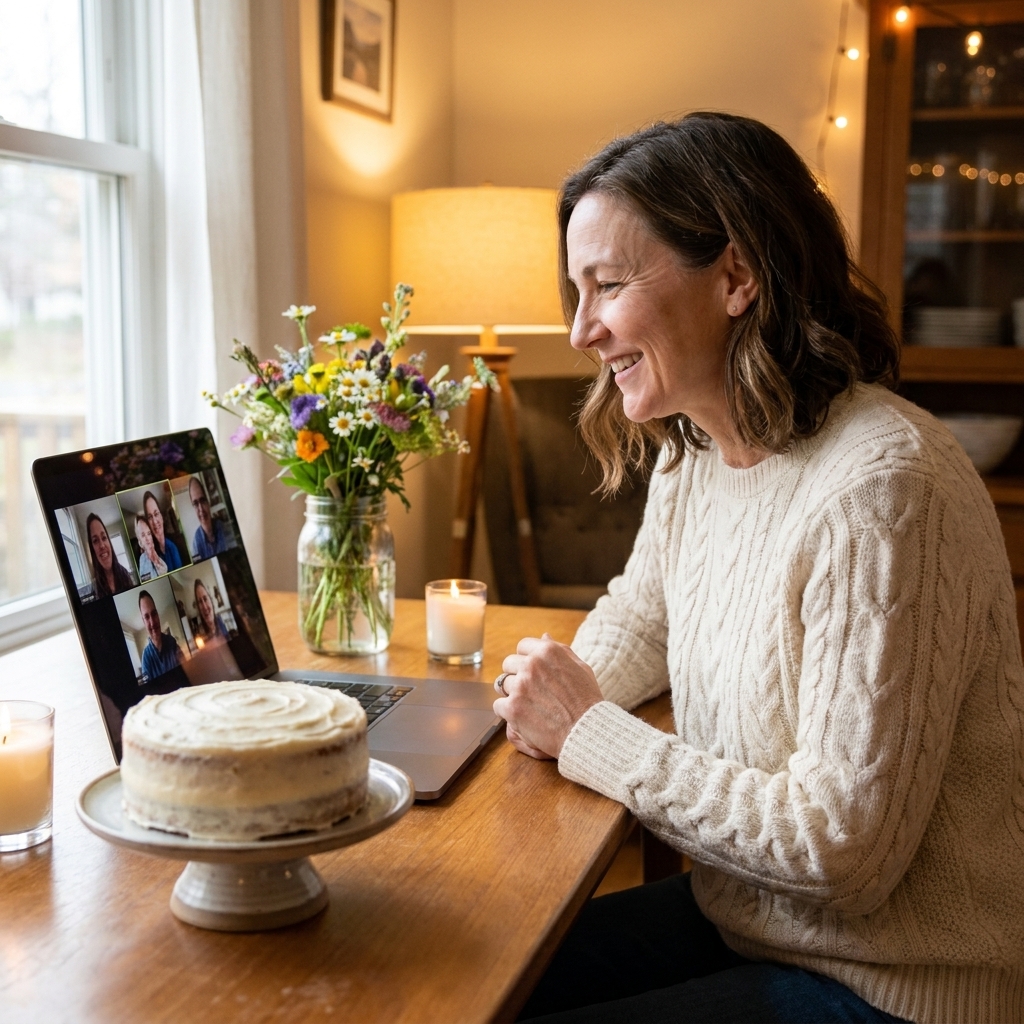
- Create a seat of honor: A comfortable chair, a small cake stand, and a few cards or photos behind them.
- Plan one surprise visual: Balloons just out of frame that you cue them to turn toward, or a doorway entrance if they are joining from a living room.
Details that travel well
You do not need to ship a full party. Choose one or two details that carry emotional weight.
A video montage that does not drag
Keep it under 4 minutes. Ask contributors for 10 to 15 seconds each. Prompt them with: “Say your name, where you are, and one wish for the next year.”
A digital memory book
Create a shared folder where guests upload one photo and one caption. Then turn it into a simple PDF or photo book after the party. It is a gift that lasts longer than the screen time.
Mail a party scent or taste
A tea sachet, a small jar of local jam, a spice blend, or a favorite candy from childhood can instantly make everyone feel like they are sharing something together.
Time zones made easy
If your family is spread out, pick a time that respects the humans in it.
- Find the overlap window: Look for a 60 to 90 minute block that is not too early for the West Coast and not too late for Europe.
- Consider two mini parties: Two 35-minute sessions can feel better than one awkward time for everyone.
- Include people who cannot make it: Ask them for a 10-second video wish or a written note you can read aloud. It counts.
Etiquette and access
Modern virtual etiquette is mostly about kindness and clarity.
- Ask before recording. Some family members will relax more if they know it is not being saved.
- Use captions if available. Captions can depend on platform, account type, and settings, but they are worth turning on when you can.
- Keep open mic moments short. Crosstalk is the fastest way to lose the room.
- Build in opt-outs. Say, “Cameras on if you can,” not “Everyone turn on your camera.”
- Help everyone hear. Ask speakers to face the camera, speak a little slower than normal, and avoid talking over each other.
- Repeat key info in chat. Drop the agenda, prompts, and links in the chat so nobody has to remember them.
- Make shared visuals readable. If you use slides, keep fonts large and limit text.
A quick backup plan
The calmest hosts are the ones with a Plan B tucked in their pocket.
- If the link fails: Include a secondary contact method in the invite (host phone number or text thread) so guests can reach you quickly.
- If screen share fails: Have the montage link ready to paste in chat so people can watch on their own.
- If someone cannot get audio working: Encourage them to dial in by phone for sound and keep video on if possible.
A low-stress checklist
One week before
- Choose platform and confirm guest list
- Assign a co-host
- Collect photos, memories, and toast volunteers
- Mail party kits or coordinate deliveries if you are doing them
Two days before
- Send the link, the start time in each time zone, and a simple agenda
- Ask guests to update their display name (especially helpful for extended family)
- Test screen sharing and audio
Day of
- Set up lighting, camera height, and playlist
- Open the room 10 to 15 minutes early
- Have the run-of-show printed next to you
- Take a group screenshot near the end
FAQ
How long should a virtual milestone birthday be?
Plan for 45 to 75 minutes. If the group is small and chatty, you can keep the room open afterward for whoever wants to linger.
What if my family is not comfortable with games?
Do a guided memory share instead. It is interactive, meaningful, and it does not require anyone to “perform” beyond telling a short story.
How do I include older relatives who struggle with tech?
Offer a 5-minute tech rehearsal the day before, or have a grandkid or neighbor help them sign on. Also consider dialing them in by phone for audio if video is too stressful.
What is the easiest meaningful surprise?
A short video montage under 4 minutes plus a coordinated toast. It feels big, it is easy to execute, and it lands emotionally every time.
Closing thought
A milestone birthday is not about the perfect connection speed or whether everyone’s microphone behaves. It is about the moment your loved one looks at a screen full of faces and realizes, “You showed up for me.” If you plan for that feeling, the rest is just details.